
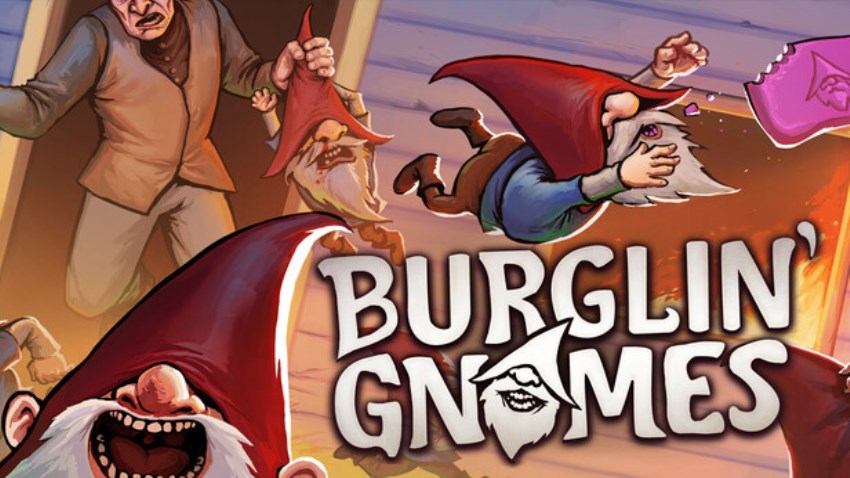
Burglin' Gnomes + Online
Become a Gnome
Prepare to invade the houses of unsuspecting humans along with up to 5 friends of your choice. After finding your way in, take anything you want. Human laws don't apply to gnomes! Just try to be stealthy...
Do your job
While burgling is a very productive activity on its own, you also need to do your job. The High-Gnome won't transport you around for nothing, so you must complete tasks for him to stay on his good side! Failing to complete enough tasks might get you fired...
Craft and Upgrade
Some of the stuff you find is useful as is, however a certain amount of repurposing is often needed to fit the specific needs of gnomes. Craft equipment, build functional furniture, and upgrade your home with the burglin' haul.
Stay safe
Gnomes are small and fragile, and often hunted by other beings. Interact with the environment and use your equipment to slow down any hostile meanies. Stay vigilant, and be ready to rescue one another. The High-Gnome doesn't like resurrecting unworthy gnomes...
Cấu hình để chơi game Burglin' Gnomes
-
Minimum:
- Requires a 64-bit processor and operating system
- OS: Windows 10
- Processor: Intel Core i5-9400F
- Memory: 4 GB RAM
- Graphics: NVIDIA GeForce GTX 1650
- Storage: 7 GB available space
-
Recommended:
- Requires a 64-bit processor and operating system
- OS: Windows 10
- Processor: Intel Core i7-9700K
- Memory: 8 GB RAM
- Graphics: NVIDIA GeForce GTX 1070
- Network: Broadband Internet connection
- Storage: 7 GB available space
Mua bản quyền game Burglin' Gnomes
Nếu thấy game Burglin' Gnomes hay thì nhớ mua bản quyền game ủng hộ nhà phát triển các bạn nhé. Bấm vào nút bên dưới để dẫn đến trang mua bản quyền.
Các lỗi thường gặp khi chơi Burglin' Gnomes
-
Hướng dẫn khắc phục và sửa lỗi XINPUT1_3.dll
-
Hướng dẫn khắc phục và sửa các lỗi giải nén
-
Hướng dẫn khắc phục và sửa lỗi MSVCR110.dll / MSVCR100.dll
-
Hướng dẫn khắc phục và sửa lỗi VCOMP120.dll
-
Hướng dẫn khắc phục và sửa lỗi XAPOFX1_5.dll
-
Hướng dẫn khắc phục và sửa lỗi X3DAudio1_7.dll
-
Hướng dẫn khắc phục và sửa lỗi 0xc000007b
-
Hướng dẫn khắc phục và sửa lỗi d3dx9_43.dll

12957
0
15